Drop your garmentPNG, JPG or WebP
Upload your reference
A photo of a T-shirt, hoodie or shirt is enough. You can also start with only a prompt.
 BETA
BETAUpload a photo, describe your idea and get a realistic, precisely cut Roblox 2D template ready to refine.
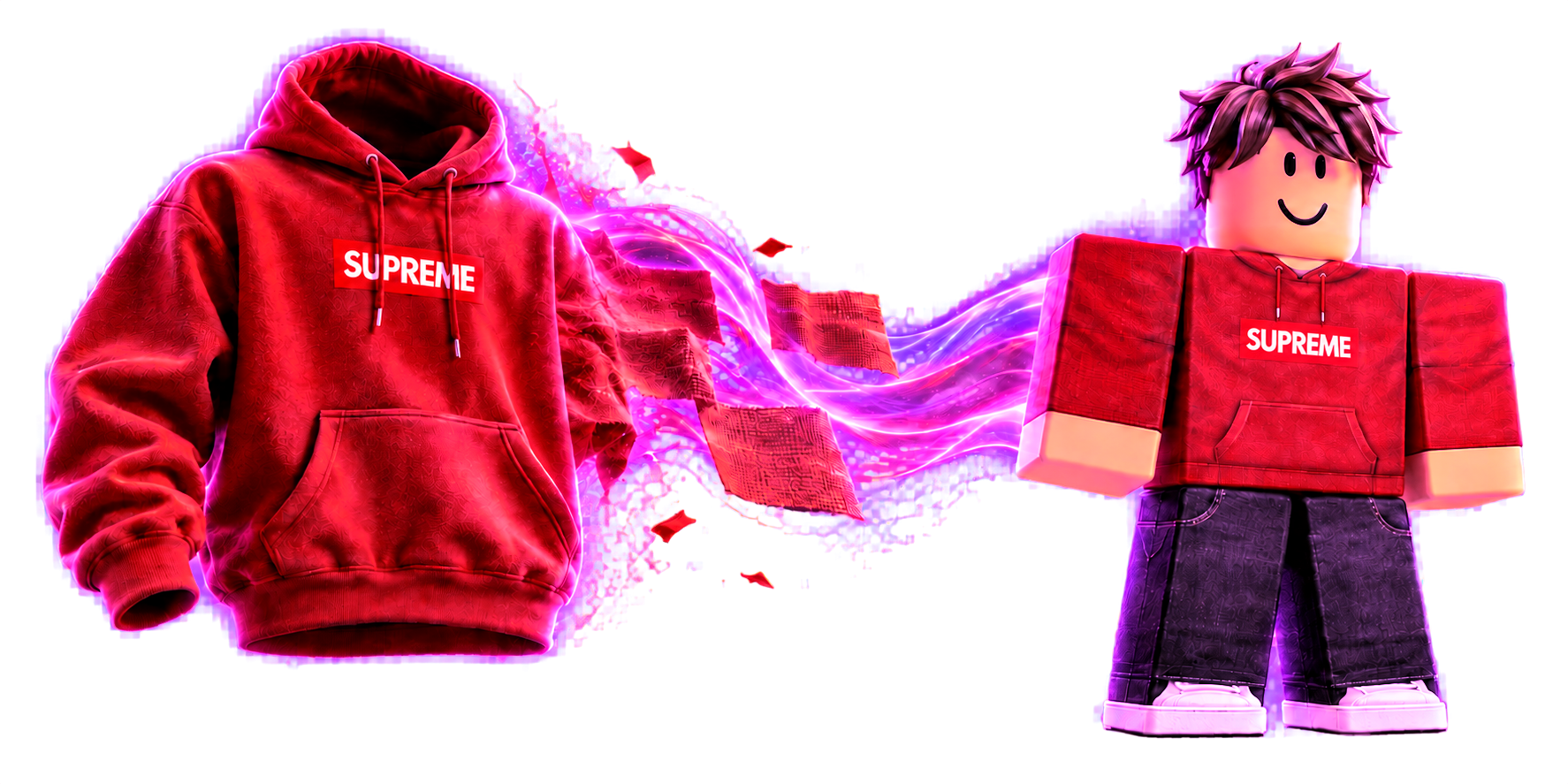
 clothblox
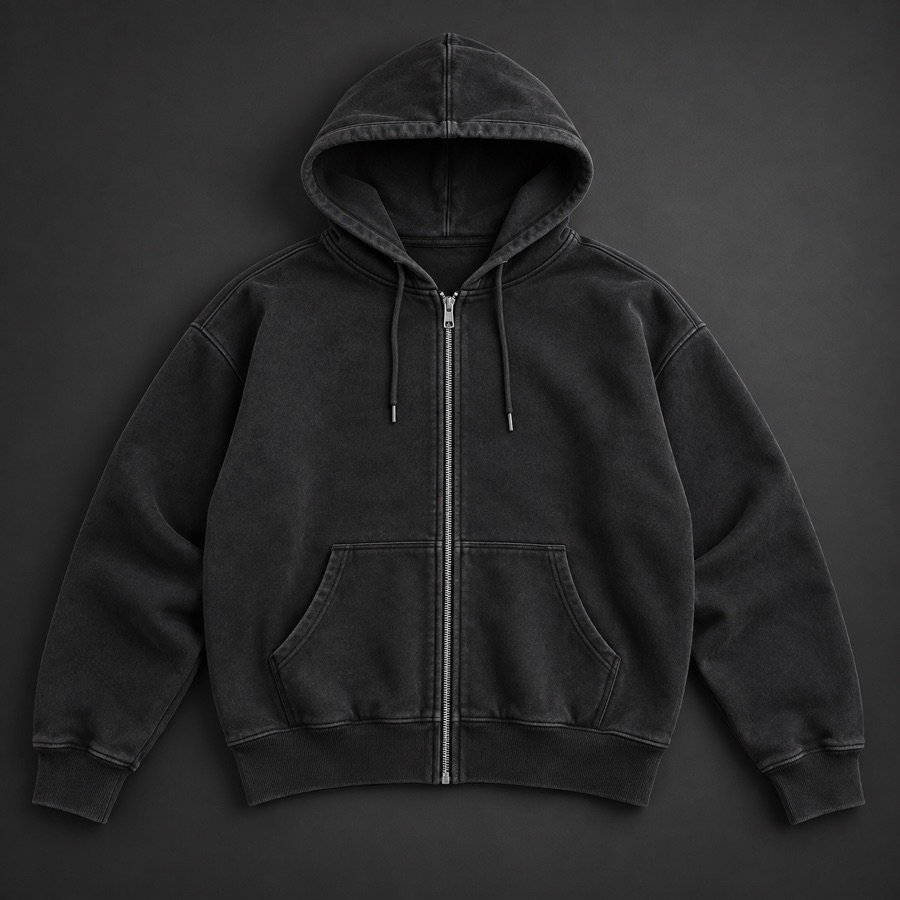 hoodie-reference.jpg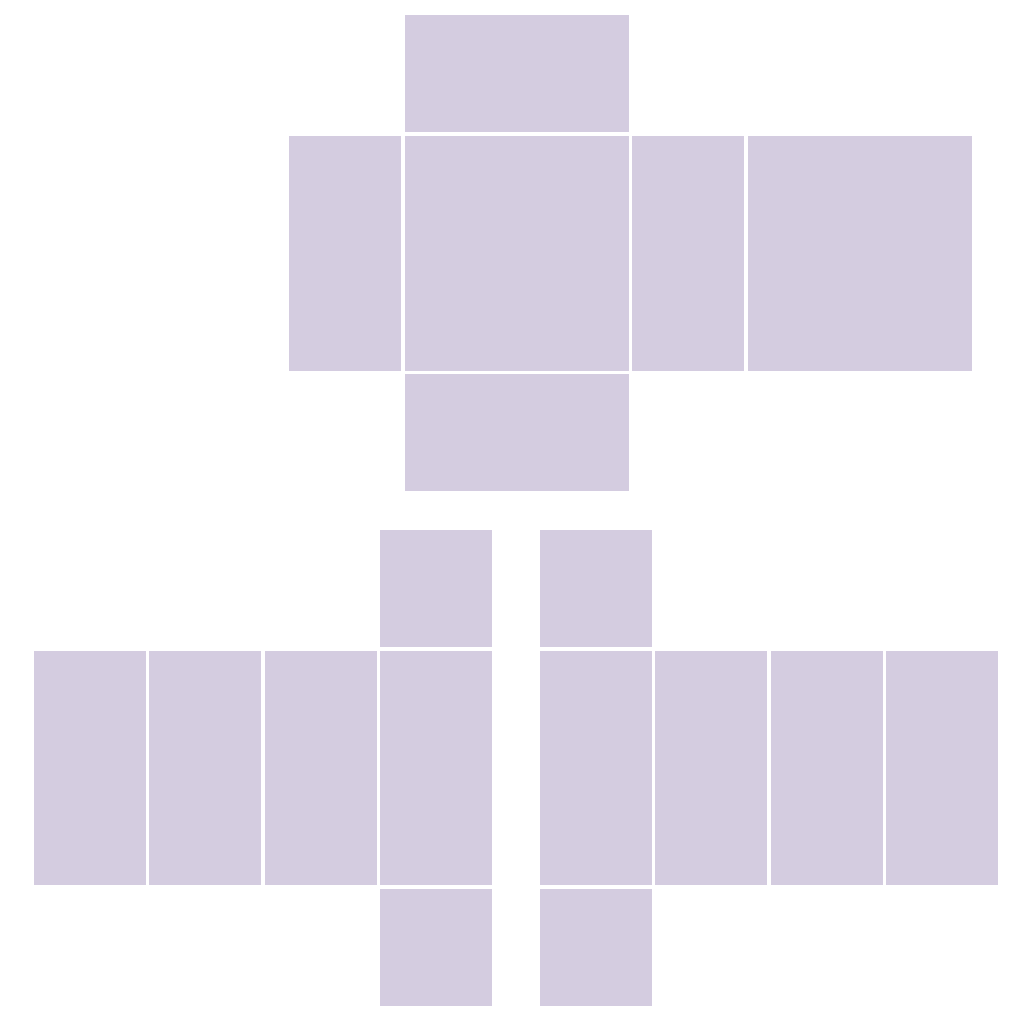
ClothBlox handles the technical work so you can focus on the style.
A photo of a T-shirt, hoodie or shirt is enough. You can also start with only a prompt.
Choose the cut, fidelity and material skills. Describe the details you want to preserve.
Download a transparent PNG at the correct size, then check the result in Roblox Studio.
From the first generation to the final pixels, ClothBlox gives you everything needed for a consistent collection.
Explore the studioPreserve the colors, patterns and signature details of your reference with adjustable fidelity.
Folds, shadows, cotton, denim, stitching and patina guide the result without complex prompts.
Short sleeves, transparent areas and collars are automatically cleaned on the template.
Adjust colors, add text or an image, and fix details before the final export.
Create the 2D classic clothing formats that matter for your catalog.
A square graphic displayed on the torso.
512 × 512 pxTorso, sleeves and controlled transparency.
585 × 559 pxTorso and legs on the complete template.
585 × 559 pxOne generation uses one credit. The editor and exports are included in every plan.
To test your first idea.
For regular publishing.
For groups and collections.
On-demand credits never expire. Taxes included where applicable.
Have a specific question? Contact us
ClothBlox supports Roblox Classic T-shirts, shirts and pants in 2D.
No. You export a PNG, review it and publish it through Roblox Creator Hub.
AI interprets the sides hidden in the photo. The built-in editor lets you fix the result before publishing.
Yes, with Creator and Studio plans, provided you own the rights to the images, brands and patterns you use.
Sign up with Google and turn your reference into Roblox clothing.
Create for freeContinue with GoogleNo credit card required.